Storm City: Neon Mayhem in a Cartoon‑Spiked Metropolis
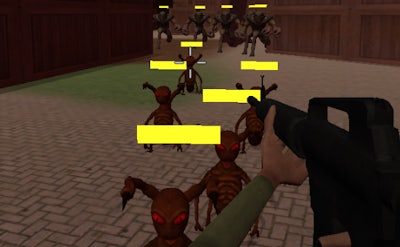
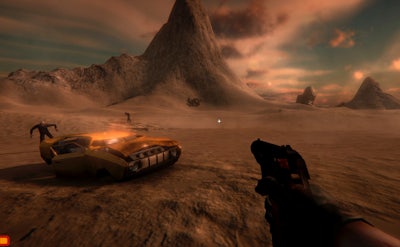
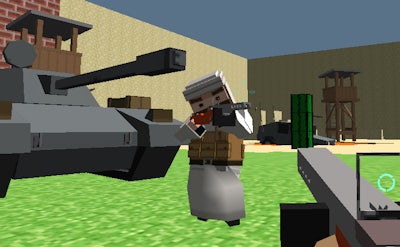
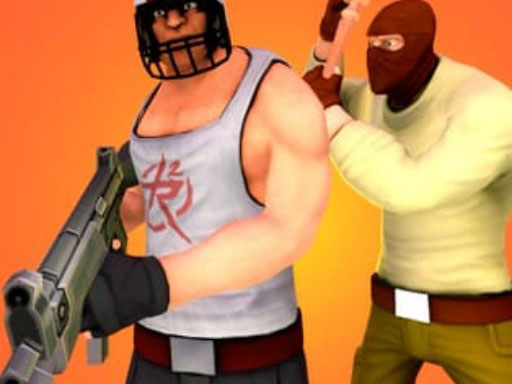
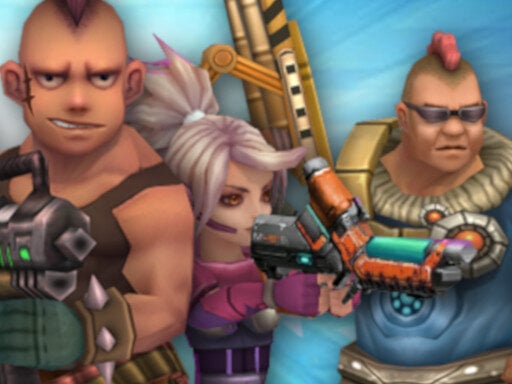
Agame drops you into a cyber‑punk playground where every alley screams danger. The skyline flickers with neon, the streets pulse with cartoon‑style chaos, and your mission? Light up the opposition, loot the boosters, and climb the leaderboards. You don’t just survive—you dominate. This is WebGL‑driven action built on Unity3D, so the grind feels buttery smooth on any browser.
Mechanics
Control the chaos with a tight, arcade‑ready layout. Every button is mapped for instant firepower, and the HUD stays out of the way so you can focus on the fight.
- WASD or arrow keys to move
- Space bar or J to jump
- Left mouse click or Z to fire
- Right mouse click or X to throw grenade
- Left Shift or C to activate hammer time
- E or Enter to enter vehicles
- Mouse wheel Q or E to change weapons
- Esc P
Strategy
Winning in Storm City isn’t about button‑mashing; it’s about rhythm. Start by mastering the hammer‑time burst—use it to shatter armored foes before they react. Swap weapons on the fly; the shotgun clears tight corridors, while the railgun picks off snipers on rooftops. Keep an eye on the booster icons; they grant temporary shields, damage boosts, or speed spikes. Grab a vehicle as soon as you spot one, then unleash a barrage from the cockpit. Remember, the map is layered with hidden shortcuts—learn the graffiti‑marked alleys to flank opponents and cut travel time. As you level up, unlock new cartoon‑styled skins that hide your silhouette, making you harder to track.
Ready to make the city quake? Jump into the mayhem now and prove you’re the top gun of the neon streets. Play Storm City directly in your browser—no download, no lag. Agame’s relentless arena awaits your first shot.
WASD or arrow keys to move Space bar or J to jump Left mouse click or Z to fire Right mouse click or X to throw grenade Left Shift or C to activate hammer time E or Enter to enter vehicles Mouse wheel Q or E to change weapons Esc P