Controls
- WASD = move
- Space = jump
- Move Mouse = aim
- Mouse wheel / Q / E = switch weapons
- Left-click = shoot / use weapon
- Right-click = throw bombs
- F3 = quick save
- F4 = quick load



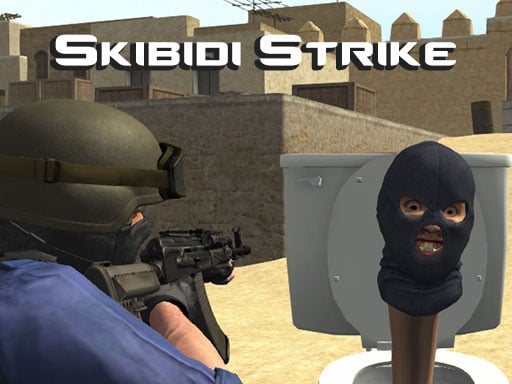
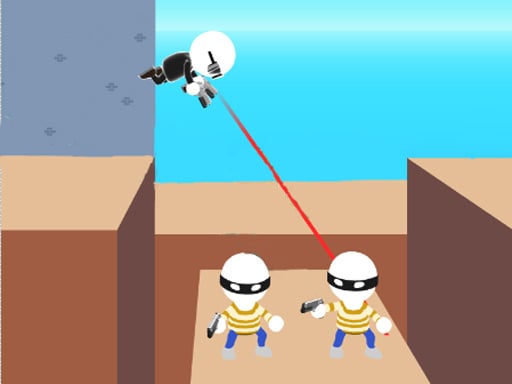
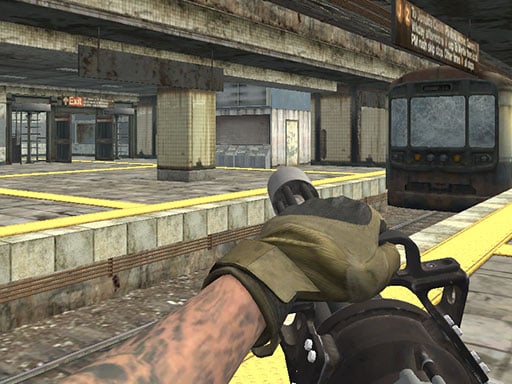
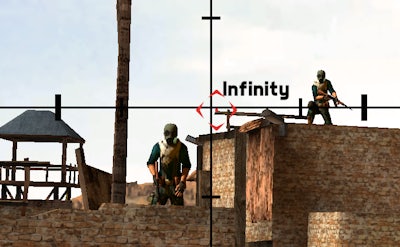
Retro Shooter drops you into a blocky, neon‑lit arena where every shot counts. The game fuses classic pixel art with modern 3D depth, delivering a frantic FPS that feels both nostalgic and fresh. Face off against swarming zombies, relentless robots, and hostile alien hordes. Every level pushes your reflexes, your aim, and your ability to adapt. If you crave fast‑paced killing runs and a gun that never quits, this is the playground you’ve been waiting for.
Control the chaos with a tight, responsive layout. Move, jump, aim, and switch weapons without missing a beat. The interface is built for pure shooter feel, so you can focus on blasting enemies instead of fumbling with menus.
Mastering Retro Shooter isn’t just about pulling the trigger. Map awareness is key—each planet hides resource caches that upgrade your gun and boost health. Prioritize killing clusters of zombies first; their numbers can overwhelm you in seconds. Robots drop rare parts; salvage them to craft powerful ammo types. When an alien appears, keep your distance and aim for the glowing weak spot. Use bombs sparingly; a well‑timed explosion can clear a wave and open a path to the next objective. Progression rewards players with new weapon skins, faster reloads, and a charge‑shot that pierces multiple enemies. Keep the momentum, and the final boss will crumble under sustained fire.
Ready to dominate the pixel battlefield? Jump into Retro Shooter now, claim the top leaderboard, and prove you’re the ultimate FPS killer. The arena waits—lock, load, and let the killing spree begin with Agame.

We use cookies to help you navigate efficiently and perform certain functions. You will find detailed information about all cookies under each consent category below.
The cookies that are categorised as "Necessary" are stored on your browser as they are essential for enabling the basic functionalities of the site.
Necessary cookies are required to enable the basic features of this site, such as providing secure log-in or adjusting your consent preferences. These cookies do not store any personally identifiable data.
Functional cookies help perform certain functionalities like sharing the content of the website on social media platforms, collecting feedback, and other third-party features.
Analytical cookies are used to understand how visitors interact with the website. These cookies help provide information on metrics such as the number of visitors, bounce rate, traffic source, etc.
Advertisement cookies are used to provide visitors with customised advertisements based on the pages you visited previously and to analyse the effectiveness of the ad campaigns.
We also use third-party cookies that help us analyse how you use this website, store your preferences, and provide the content and advertisements that are relevant to you. These cookies will only be stored in your browser with your prior consent.
You can choose to enable or disable some or all of these cookies but disabling some of them may affect your browsing experience.