Obby Universe: Mini Games Online – The Ultimate Arcade Playground
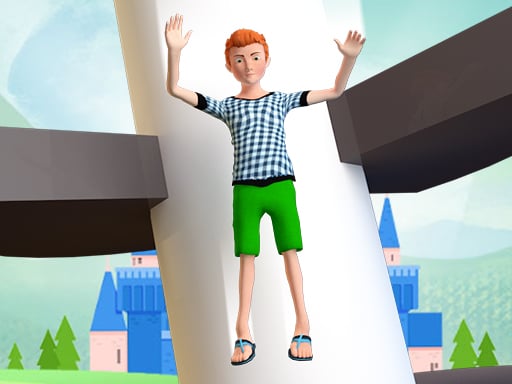
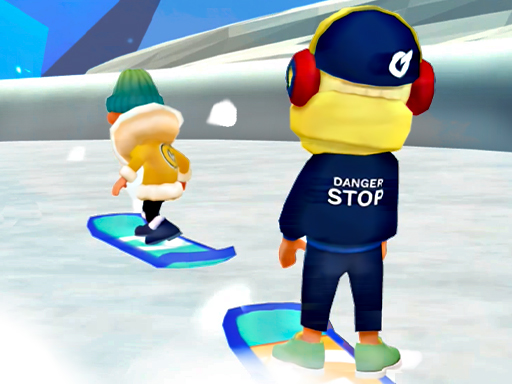
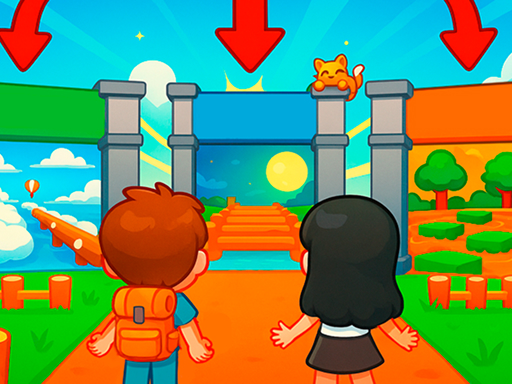
Imagine a vibrant Cartoon World where every corner hides a fresh challenge. Obby Universe: Mini Games Online drops you into a nonstop stream of 3D Games that feel like a mash‑up of roblox chaos and Minecraft creativity. It’s not just another casual title; it’s the Best collection of quick‑fire puzzles, platform races, and goofy physics that keep kids and seasoned gamers alike glued to the screen. If you love Adventure meets Arcade, this is the spot where the fun never quits.
Mechanics
Controls are stripped down to the essentials, so you can jump straight into the action.
- On PC 1 WASD - move
- Hold right mouse button - control camera
- Spacebar - jump
- On phone 1 Left joystick - walk
- Press and drag finger on right part of screen - control camera
- Jump button on right - jump
Strategy
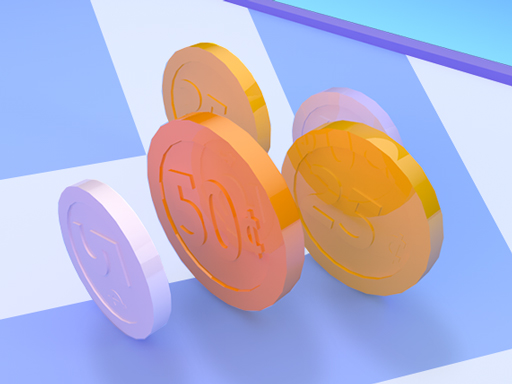
Winning isn’t about raw reflexes alone. Start by mastering the basic jumps; each level rewards precision. Collect the hidden coins in every mini‑game – they unlock new House skins and rare pets that boost your score multiplier. Build a personal city to earn daily bonuses; the bigger your town, the more custom items you can purchase from the in‑game shop. Mix and match outfits from the 150‑plus catalog to stand out in the Kids leaderboard. Keep an eye on the “Brainrot” timer in fast‑paced rounds – finishing before it expires nets extra points. Rotate between Casual and high‑stakes modes to stay sharp and avoid burnout. The more you explore, the more secret shortcuts you’ll uncover, turning even the toughest traps into easy wins.
Ready to jump, slide, and build your way through the most addictive Best Games collection on the web? Play Obby Universe: Mini Games Online now and claim your spot at the top of the global leaderboard. Your next high‑score is just a click away – Agame has the arena, you bring the skill.
On PC 1 WASD - move 2 Hold right mouse button - control camera 3 Spacebar - jump On phone 1 Left joystick - walk 2 Press and drag finger on right part of screen - control camera 3 Jump button on right - jump