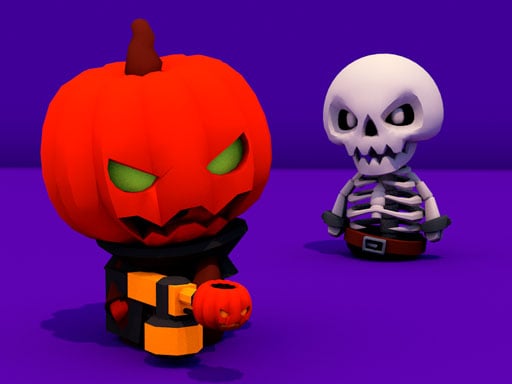
Obby: Extreme Cart Ride – Full‑Throttle Blocky Action
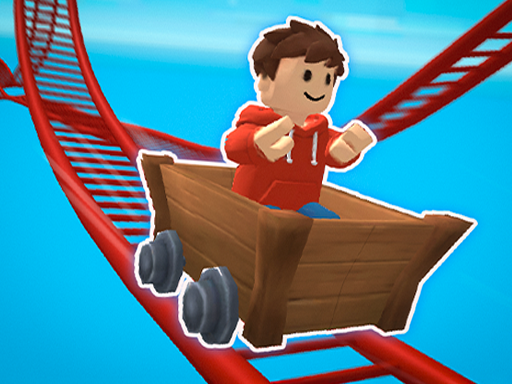
Racing through a neon‑lit, blocky landscape, you’ll feel the rush of a high‑speed cart on a relentless track. Every jump, turn, and boost demands reflexes that match the intensity of the best games of 2026. If you love Action titles that blend Casual fun with hardcore skill, this single‑player thrill‑ride is built for you. Expect a 3D world where Cars zip, traps snap, and the finish line always seems just out of reach. It’s the perfect mash‑up of roblox chaos and Minecraft creativity, designed to keep you glued to the screen.
Mechanics
Control the cart with classic keys or tap‑screen moves. Master the inputs, then focus on timing and lane changes to shave seconds off each lap.
- PC Controls – W A S D — Move character
- PC Controls – Space — Jump
- PC Controls – Right mouse button + mouse movement — Camera control
- Mobile Controls – Left joystick — Move character
- Mobile Controls – On-screen button — Jump
Strategy
Start by learning each track’s rhythm. Early runs let you map out dangerous sections—sharp turns, hidden eggs, and spike traps. Keep your cart centered; drifting too far to the edge triggers the Brainrot penalty and slows you down. When you spot a boost pad, hit it at full speed but brace for the sudden drop that follows. Upgrade your cart’s handling by completing daily challenges; better grip means tighter turns on the most twisted loops. Play the Casual mode to practice without penalties, then switch to the hardcore Action tier for leaderboards. Remember, each flawless lap boosts your score, pushing you higher on the 2026 games rankings.
Ready to dominate the most insane tracks in the blocky universe? Jump into Obby: Extreme Cart Ride now, and experience the speed that only Agame can deliver. Your cart’s waiting—hit the accelerator and claim the top spot!
PC Controls bull W A S D mdash Move character bull Space mdash Jump bull Right mouse button mouse movement mdash Camera control Mobile Controls bull Left joystick mdash Move character bull On-screen button mdash Jump amp