Motorbike Simulator – Raw Speed, Real Stunts
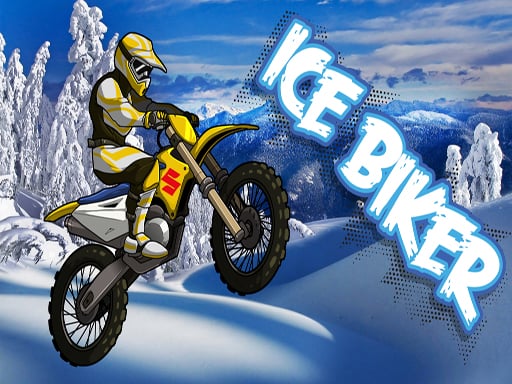
Feel the rumble of a Motorcycle engine as you tear through urban streets and rugged tracks. Motorbike Simulator drops you into a high‑octane Simulator built on Unity3D, delivering crisp 3D Games visuals that run smooth on WebGL browsers. Three distinct bikes, four sprawling maps, and dozens of stunt platforms keep the adrenaline pumping. If you crave the perfect blend of realistic physics and arcade chaos, the game hands you the throttle and never looks back.
Motorbike Simulator Controls
Master the ride with a simple key layout that feels natural from the first lap. The control scheme is designed for quick learning yet deep mastery, letting you focus on speed, style, and strategy.
- Arrow keys or WASD – drive forward, reverse, and steer.
- Space bar – handbrake for tight corners.
- C – switch camera view for the best angle.
- Shift – boost the bike for short‑burst speed.
- R – reset the entire scene if you get stuck.
- G – reset the bike’s position without affecting the world.
- E – turn on police lights (perfect for the cop bike).
- X – hide on‑screen instructions for a clean view.
- T – toggle tutorial hints.
Stay ahead of the pack by learning the map layout and timing your boosts. Each track hides shortcuts that shave precious seconds, but they often demand a perfect handbrake or a daring jump. Upgrade your bike’s handling by completing stunt challenges; the more you land, the tighter the controls become. Keep an eye on the boost meter – a full bar means a burst of speed that can shave a lap off your time. Mix high‑speed sections with precision jumps to keep the gameplay loop fresh and rewarding.
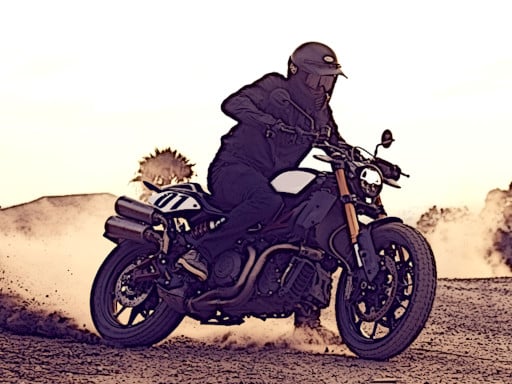
Ready to dominate the streets? Jump into Motorbike Simulator now and prove you have the reflexes of a true rider. Agame brings you the most immersive Moto experience on the web – no downloads, pure browser action. Fire up your browser, hit the boost, and let the asphalt scream under your wheels. The race is on; claim the top spot and show the community why you’re the ultimate biker.
Arrow keys or WASD keys to drive Space bar to handbrake C key to change view camera Shift key to boost bike R key to reset scene G key to reset bike E key to turn on police lights X to hide instructions T