Matrix Typer – Fast‑track Your Typing Skills
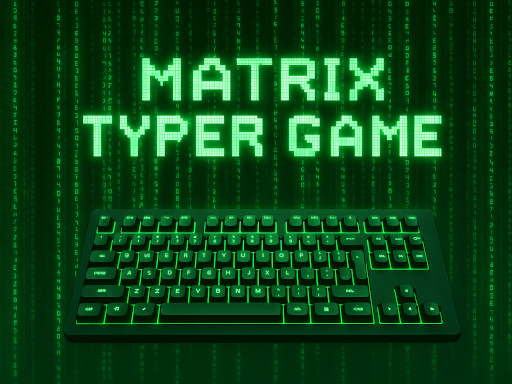
Word rain falls from the digital sky. Each line you nail trims the clock, pushes the score higher, and sharpens your typing reflexes. If you crave a casual burst of adrenaline while polishing real‑world skill, this is the arena. Matrix Typer blends arcade thrills with a genuine typing workout, so every session feels like a power‑up for your keyboard chops.
Game Mechanics
Controls are simple, but timing is everything. On desktop, slam the keys as the words cascade. On mobile, tap the on‑screen keyboard and keep the flow. Precision wins the day.
- On desktop type the falling words using your physical keyboard before they reach the bottom of the screen
- Keep your rhythm steady to increase speed and accuracy
- On mobile devices use the on-screen keyboard to type the words in the same way Precision
Strategy & Progression
Start with the tutorial level and let the pace set your baseline. Hit a streak of 10 clean words, and the game nudges the speed up—just enough to test your limits without breaking them. Watch the meter; it shows accuracy and combo. Prioritize clean hits over frantic typing, because a single typo resets the combo bar. As you climb, new stages unlock with fresh visual themes and tougher word packs. Each stage adds a tiny bonus to your overall skill rating, so the higher you go, the more you prove your typing mastery. Mix short bursts with longer sessions to keep the brain engaged. Remember: consistent practice beats occasional marathons. Keep a relaxed posture, glance at the screen, and let muscle memory do the heavy lifting. The more you play, the smoother your keystrokes become, turning casual fun into a real‑world advantage.
Ready to put your fingers to the test? Jump into Matrix Typer now, and let Agame guide you from casual play to elite typing skill. Press start, type fast, and watch the score climb. Your next high score is just a keystroke away.
On desktop type the falling words using your physical keyboard before they reach the bottom of the screen Keep your rhythm steady to increase speed and accuracy On mobile devices use the on-screen keyboard to type the words in the same way Precision