Grand City Driving – Urban Asphalt Playground
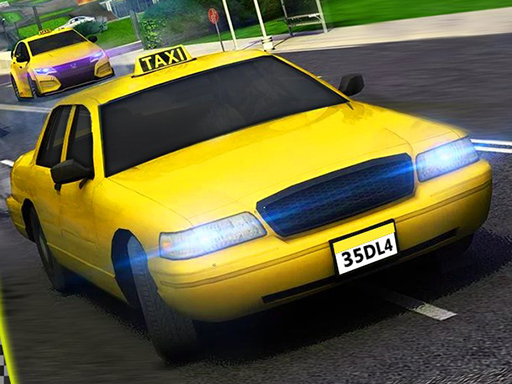
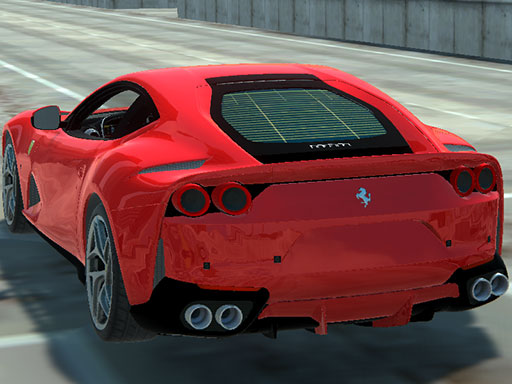
Feel the roar of a supercar as you tear through neon‑lit avenues and cramped back‑streets. Grand City Driving throws you into a sprawling 3D metropolis where every corner hides a new challenge. The city never sleeps, and the traffic never slows. Master the physics‑driven simulation and prove you can dominate the concrete jungle. This isn’t a casual ride; it’s a high‑octane test of skill, reflexes, and street‑smarts.
Mechanics
Controls are stripped down to the essentials, so you stay glued to the action. Every input translates instantly to the car’s response, thanks to a tight Unity3D engine built for WebGL performance.
- WASD - Drive
- Space - Brake
- C - Change camera
Strategy
Start with the entry‑level cars to learn the city’s rhythm. As you rack up cash, upgrade to sleek supercars that hug corners tighter and sprint faster on straightaways. Keep an eye on traffic density; heavy flow means more braking and precise lane changes. Use the camera toggle to scout upcoming obstacles—spotting a sudden lane merge early can be the difference between a clean pass and a crash. Master the art of slip‑streaming: tail a rival’s car to steal speed, then pull out on a straight to blast ahead. Progression isn’t just about speed; it’s about unlocking new districts, each with unique visual flair and tougher AI drivers. The simulation rewards consistency—regularly land perfect drifts, avoid collisions, and your reputation score climbs, unlocking exclusive paint jobs and performance parts. Remember, the city’s layout is a living puzzle; shortcuts appear for those who explore, but they’re guarded by tight turns and aggressive traffic. Keep your focus sharp, adapt your line on the fly, and the top leaderboards become yours.
Ready to leave the ordinary behind? Jump into Grand City Driving now, feel the power of every rev, and claim the streets as your own. Agame delivers the purest racing simulation straight to your browser—no downloads, just pure adrenaline.
WASD - Drive Space - Brake C - Change camera