CrazyCraft – Insane Building Meets Fast‑Lane Action
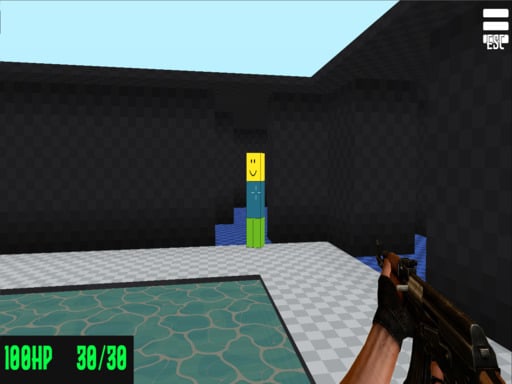
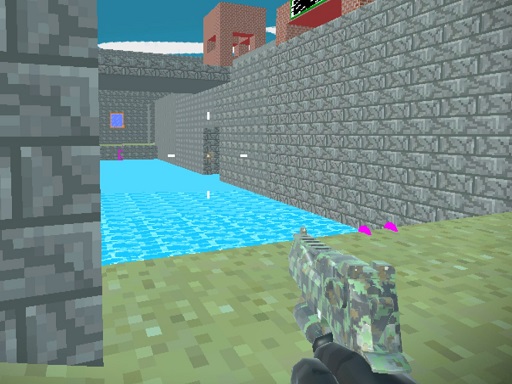
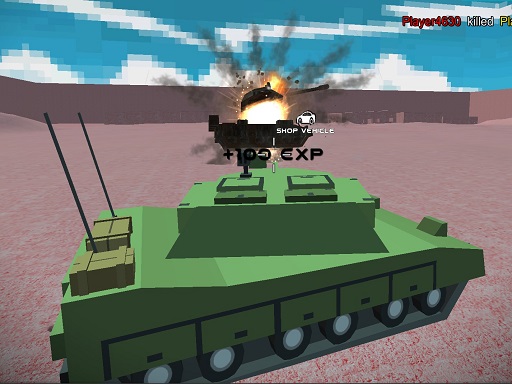
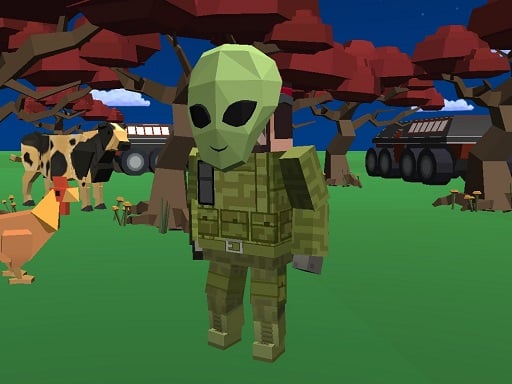
Imagine a sandbox where the only limit is your imagination, then crank the chaos up a notch with high‑speed cars, ruthless shooting, and nonstop crafting. CrazyCraft blends the blocky charm of Minecraft with the adrenaline of a driving simulator, all rendered in smooth WebGL. Whether you’re a solo miner or a multiplayer daredevil, the game throws you into a vibrant .io arena that rewards quick thinking and even quicker builds. The result? A frantic, endlessly replayable experience that feels fresh every match.
Controls & Core Mechanics
Master the basics, then let the madness begin. Every action is mapped to a single key, so you can focus on building massive structures while dodging bullets and racing cars.
- WASD – Move character or drive car
- Tab – Open menu
- Q – Open craft menu
- E – Enter car when the key icon appears
- C – Show 3‑D character model
- Enter – Open chat and send messages
Winning Tactics
Success in CrazyCraft hinges on balancing three pillars: crafting, driving, and shooting. Start by mining raw ore and converting it into sturdy blocks—your foundation for any castle or mine shaft. Prioritize a fast car upgrade; speed gives you the edge in both combat and resource races. When you spot an opponent’s base, switch to gun mode, drop a quick bomb, then retreat before they can retaliate. In multiplayer matches, coordinate with allies: one player drives a getaway car while another lays down defensive walls. Keep an eye on the map’s “Crazy” zones—these hotspots spawn extra loot but also attract the toughest AI guns. Mastering this rhythm turns a casual 1 Player session into a relentless, high‑score chase.
Ready to dominate the block‑filled battleground? Jump into CrazyCraft now, claim your first plot, and start building the craziest empire the .io Games community has ever seen. For nonstop updates, community events, and the latest multiplayer challenges, visit Agame and become part of the most electrifying sandbox simulator on the web.
WASD - Move character or drive car Tab - menu Q - Open menu craft E - Enter car when show Key icon C - Show 3d character Enter - open and send message chat