Zombie Siege: Fight Back Against the Undead Threat
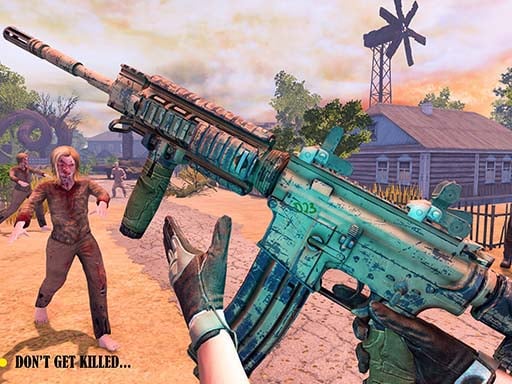
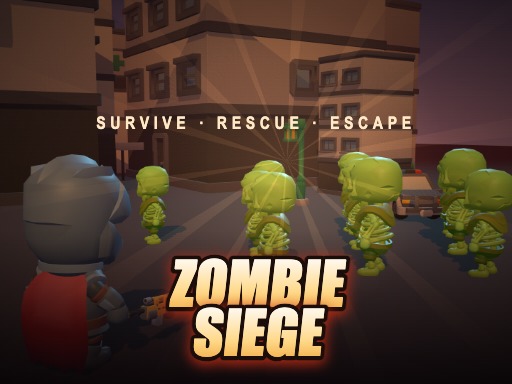
You stand as the last line of defense in a city overrun by relentless Zombie hordes. Every wave tests your skill, every kill fuels your firepower. Survive the chaos, rescue survivors, and build a squad that can turn the tide. This casual yet intense shoot‑survival experience demands quick reflexes and smart tactics. Your actions decide whether the city falls or fights back.
Zombie Siege Mechanics
Master the controls and let the action flow.
- Desktop: WASD arrows to move
- auto‑fire in range
- E bomb
- Shift dash
- Mobile Landscape only — left stick to move
- auto‑fire in range
- tap buttons for bomb dash
Zombie Siege Strategy
Start by clearing the streets with short bursts of fire. Keep distance to let auto‑fire handle swarms; conserve bombs for clusters of tougher Zombie types. When a survivor appears, escort them to safety and assign roles: a shield tank up front, a sharpshooter on the flank, and a medic in the rear. Each rescued ally adds a permanent boost to your squad’s durability.
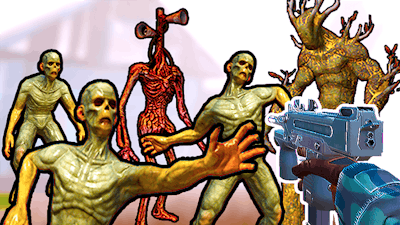
Progression hinges on weapon upgrades. Every level drops medkits and bombs; boss encounters reward permanent upgrades that stick with you. Prioritize upgrades that increase range or reduce dash cooldown, because later zones—wild forests and underground graveyards—push you deeper into survival mode. Watch the horde’s composition; mutated zombies require focused fire, while towering Zombie kings demand timed dash attacks.
Balance aggression with caution. Overextending leaves you vulnerable to surprise ambushes. Use the environment—walls, barrels, and narrow alleys—to funnel enemies into kill zones. As you unlock new weapons, experiment with combos that suit your play style. The more you adapt, the longer you stay alive.
Ready to lead the charge and prove you can survive the siege? Jump into the fight now and show the undead who owns the city. Find the full experience at Agame and start building your legend.
Desktop WASD arrows to move middot auto-fire in range middot E bomb middot Shift dash Mobile Landscape only mdash left stick to move middot auto-fire in range middot tap buttons for bomb dash