Click to play
x
Controls
WASD - Walk Right Mouse - Shoot Left Mouse - Zoom Shift - Run Z - Weapon Shop X - Skin Shop

Destroy Minecraft












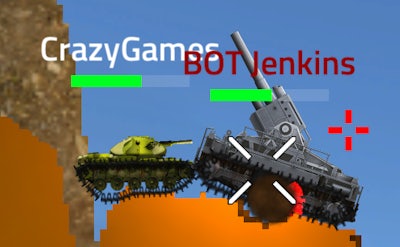
Click to play
This game is not available on mobile.


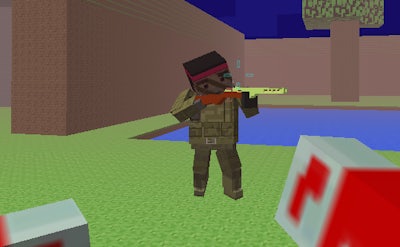
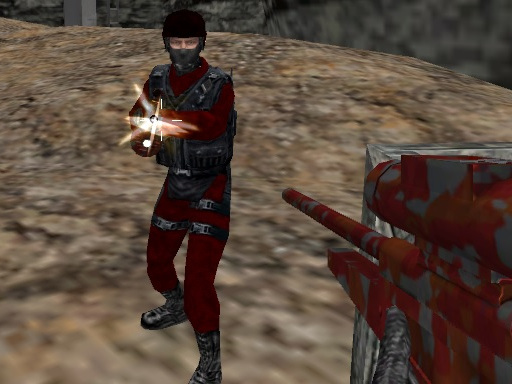
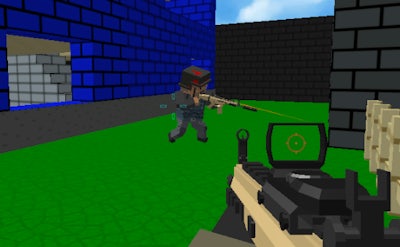
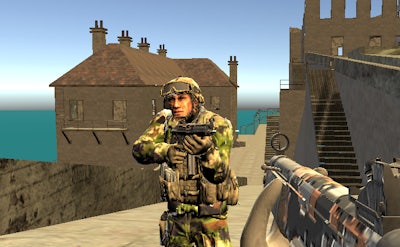
Step onto a neon‑lit arena where every block you blast fuels your next move. In Destroy Minecraft you combine frantic first‑person shooter reflexes with the familiar feel of Minecraft’s blocky universe. Each match pits you against other online rivals, and only the quickest with the sharpest aim survives. The rush of tearing down structures, snatching weapons, and climbing the leaderboard makes every round feel hot and unforgettable. If you crave a multiplayer shooter that feels like an arcade classic, this is the title that will keep you coming back.
The control scheme mirrors classic FPS layouts, letting you focus on raw skill instead of learning curves. Move with precision, aim with speed, and switch gear on the fly to dominate every encounter.
Start each round by scouting the map for high‑value blocks. Destroying a block releases a power‑up that can upgrade your current weapon or grant temporary shield. Prioritize vertical structures; they give you height advantage and clear sightlines for sniping. Keep an eye on the minimap: a sudden surge of enemy fire often means a teammate has uncovered a hidden weapon cache. When you enter the weapon shop (Z), swap to a gun that matches the current flow—shotguns excel in close corridors, while rifles dominate open arenas. Master the zoom function (Left Mouse) to line up headshots on distant targets, then sprint (Shift) to the next cover point before the enemy reacts. Consistent upgrades, smart positioning, and relentless aggression separate the top 1% from the rest.
Ready to prove your block‑breaking prowess? Jump into the arena, rack up kills, and watch your rank climb. Find more hot arcade titles at Agame and experience the best multiplayer shooter experience today.

We use cookies to help you navigate efficiently and perform certain functions. You will find detailed information about all cookies under each consent category below.
The cookies that are categorised as "Necessary" are stored on your browser as they are essential for enabling the basic functionalities of the site.
Necessary cookies are required to enable the basic features of this site, such as providing secure log-in or adjusting your consent preferences. These cookies do not store any personally identifiable data.
Functional cookies help perform certain functionalities like sharing the content of the website on social media platforms, collecting feedback, and other third-party features.
Analytical cookies are used to understand how visitors interact with the website. These cookies help provide information on metrics such as the number of visitors, bounce rate, traffic source, etc.
Advertisement cookies are used to provide visitors with customised advertisements based on the pages you visited previously and to analyse the effectiveness of the ad campaigns.
We also use third-party cookies that help us analyse how you use this website, store your preferences, and provide the content and advertisements that are relevant to you. These cookies will only be stored in your browser with your prior consent.
You can choose to enable or disable some or all of these cookies but disabling some of them may affect your browsing experience.





















